How To Accept A Banana Ball Ticket Transfer?
Someone sent you Banana Ball seats. To use them, you have to accept the transfer in Fans First Tickets, the official ticket platform for the Banana Ball Championship League.
It takes three steps and a matching email address. The catch is the clock: you get 48 hours. Here is how each step works as of September 2026.
Accepting a Banana Ball Ticket Transfer on Fans First: 3 Steps
The Banana Ball Help Desk lists three steps for anyone receiving tickets. The page was last updated on July 27, 2026.
Step 1: Open the Email From [email protected]
Every transfer starts with an email from [email protected]. It arrives after the sender confirms the transfer on their end.
Open it and follow the prompts. Fans First asks you to log in, or to create an account if you don’t have one.
Step 2: Log In With the Same Email the Sender Used
Your login email must match the address the sender typed. This is the step that trips most people up.
Say a friend sent the seats to your work inbox. You need a Fans First account under that work address. Your personal account won’t see the tickets.
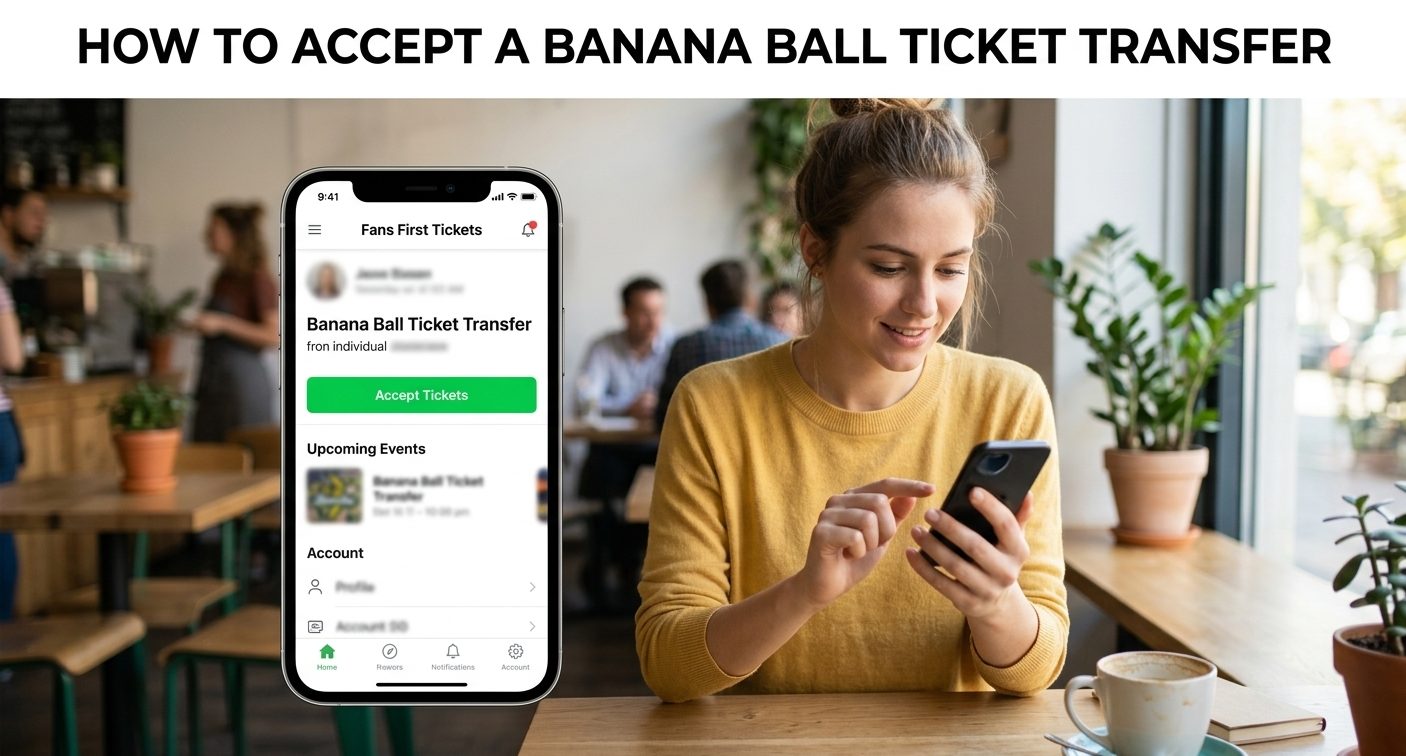
Step 3: Click the Green “Accept Tickets” Button
Once you’re in, open “Manage Tickets and Transfers.” Pending seats show a green Accept Tickets button.
Click it. The tickets move into your account, and the transfer is complete.
How Long Do You Have to Accept a Banana Ball Ticket Transfer?
You have 48 hours from the moment the transfer email lands. The Help Desk repeats this limit in both its sender and recipient guides.
Traveling or away from email? Tell the sender before they start. That way the window doesn’t open while you can’t respond.
The Help Desk doesn’t spell out what happens to an expired transfer. If you miss it, reach out to the sender and to ticket support right away.
What the Sender Does on Fans First Before Your Email Arrives
Knowing the other side of the process helps when a transfer stalls. According to the Help Desk, the sender:
- Logs in at GoBananas.FansFirstTickets.com/login
- Clicks “Manage Tickets and Transfers”
- Checks the box next to each ticket to send
- Clicks the blue “View Ticket Transfer Options” button
- Enters your email and confirms
Step five is where mismatches begin. One typo, or an old address, sends the seats to an inbox you can’t use. Ask which address they entered before you set up an account.
Paying a stranger for the seats instead of getting them from a friend? Our 2026 guide to buying Banana Ball seats covers the lottery, mini-drops and resale red flags.
Banana Ball Ticket Transfer Not Showing Up in Fans First?
When a transfer won’t go through, start here. Each fix comes from Banana Ball Help Desk guidance.
| Problem | Fix |
|---|---|
| No Accept Tickets button | Check your login email. It has to match the one the sender used. |
| No transfer email | Search your inbox and spam folder for [email protected]. |
| Forgot your password | Use the One-Time Password option, then reset it under “Manage Account.” |
| Seats came from a third-party seller | Contact that seller, as the Help Desk advises. |
| Still stuck | Call (912) 712-2482, Monday to Friday, 9 AM to 5 PM ET. |
Why Accepted Banana Ball Tickets Don’t Show a QR Code Yet
Accepting the transfer puts the tickets in your account. It doesn’t make them scannable yet.
Fans First releases QR codes about 24 hours before the show. You’ll get an email when they’re ready.
Skip the printer. The Nanner Scanners at the gate take digital tickets only. The Help Desk suggests adding them to Apple Wallet or Google Wallet before you reach the stadium, so they load without a signal.
Planning Game Day After You Accept the Transfer
With the seats in hand, confirm the date and city on the 2026 Banana Ball tour schedule. The tour runs through more than 75 stadium stops, so double-check the venue name.
Each game features two of the league’s six clubs. The Savannah Bananas don’t play every date, so look up the teams on your ticket before you go.
Going for the first time? The breakdown of how Banana Ball is played covers the two-hour limit and the rule that turns a fan’s foul-ball catch into an out.
Expect baby races and other crowd contests between innings, too.
Holding seats for a late-season game? The top four teams by winning percentage reach the October championship playoffs.
The latest BBCL table shows which clubs are still chasing a spot.
FAQs
How do I accept a Banana Ball ticket transfer?
Open the email from [email protected] and log in to Fans First Tickets with the address the sender used. Then click “Manage Tickets and Transfers” and the green Accept Tickets button within 48 hours.
Why can’t I accept my Banana Ball ticket transfer?
Your login email likely doesn’t match the address the sender entered. Log in with that exact address. If the email never arrived or 48 hours have passed, contact the sender and Banana Ball ticket support.
Is it safe to buy Banana Ball tickets from someone on Reddit?
Only if the seller transfers them through Fans First Tickets. Scammers target Reddit threads and Facebook groups. Avoid Friends & Family, Cash App or Zelle payments, and wait for the email from [email protected].
Should I ask Reddit or Banana Ball support about a failed transfer?
Ask support. Reddit users can’t see your Fans First account. Call Banana Ball ticket support at (912) 712-2482, Monday to Friday, 9 AM to 5 PM ET, or submit a request on the Help Desk.
When do Banana Ball QR codes appear after a transfer?
Scannable QR codes appear in your Fans First account about 24 hours before the show. You’ll get an email when they’re ready. Add them to Apple Wallet or Google Wallet before arriving.
Similar Posts
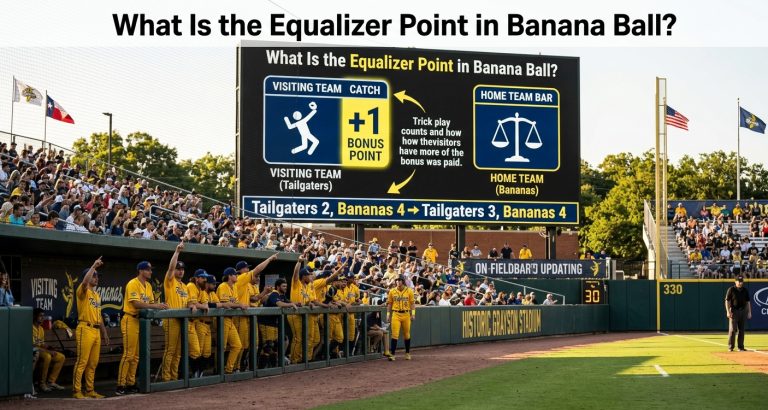
What Is the Equalizer Point in Banana Ball?
Learn what the Equalizer Point in Banana Ball means, how trick plays determine the bonus, when it is awarded, why home teams cannot earn it, and how it can affect the final inning.
Who Are The Firefighters In Banana Ball?
Discover who the Banana Ball Firefighters are, including coach Valerie Perez, firefighter Mat Wolf, the 2026 roster, 29–32 season record, player statistics, tour dates, team mascots, and the club’s history.
What Is the Donut Batter in Banana Ball?
Discover what the donut batter means in Banana Ball, how Dunkin’ rewards fans with free Munchkins after a swinging strikeout, where the promotion has appeared, and how it differs from the golden batter rule.
What Does MPI Mean in Banana Ball?
Learn what MPI means in Banana Ball, how Minutes Per Inning is calculated, why pitching speed matters, and explore record-breaking innings, fastest pitchers, season benchmarks, and 2026 stats.
Can You Bunt in Banana Ball?
Can you bunt in Banana Ball? Learn why bunting is banned, the ejection penalty, past bunt ejections, slap-hit rules, runner-advancement alternatives, and how Banana Ball differs from MLB.
Can You Steal In Banana Ball?
Learn whether you can steal in Banana Ball, how batters can steal first, and when runners can steal second, third, or home. Explore wild pitches, passed balls, no-walk rules, and key differences from MLB.